 LiveTalk
You are invited to a conversation
Conversation code . Open LiveTalk and you will hear the other person in your own language, wherever they are.
You speak your language. Your mate understands his language.
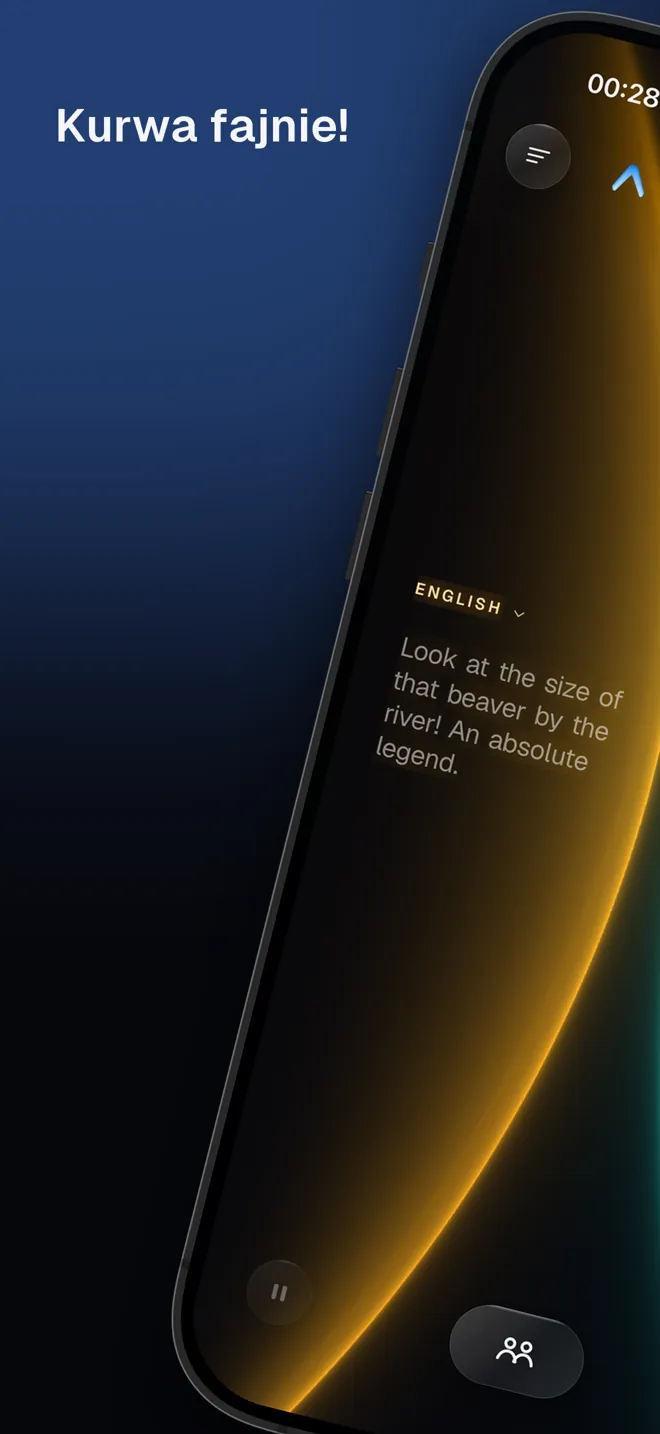
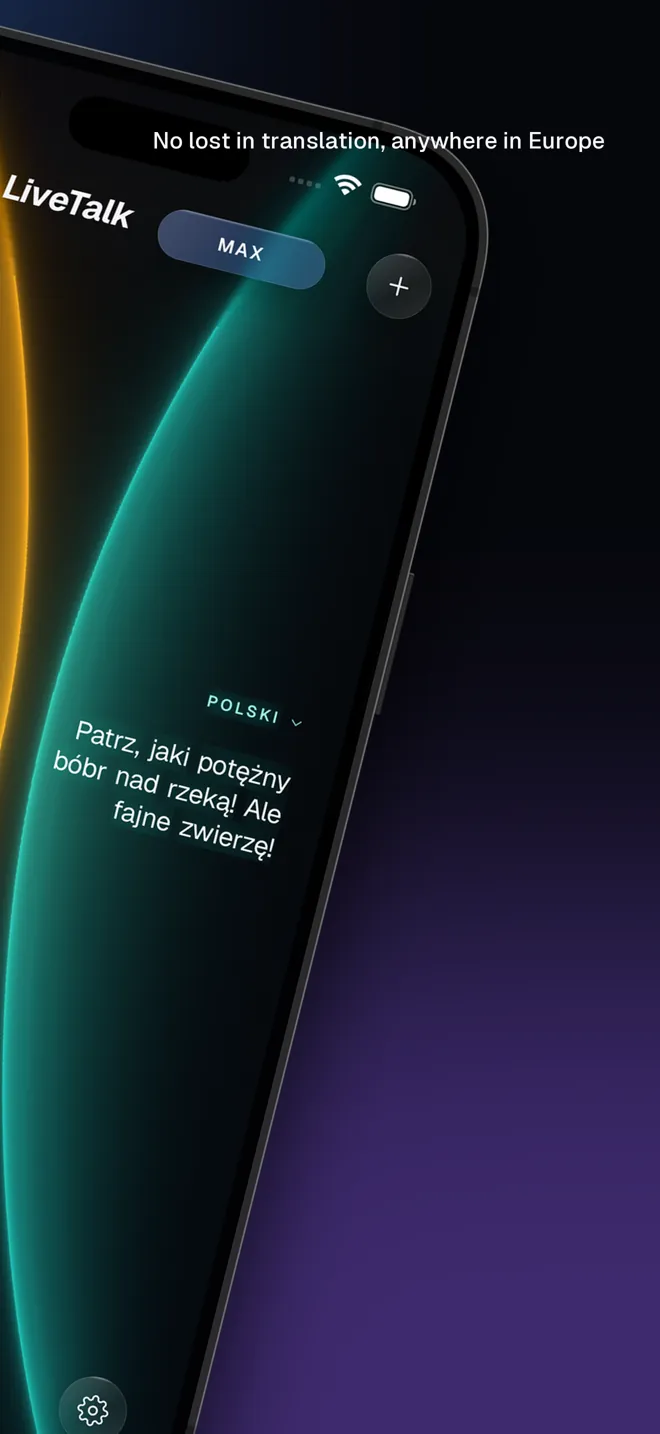
Put one phone between the two of you — or use two phones in two cities. No buttons, no turn-taking. LiveTalk listens to the whole sentence, keeps the thread of the conversation and speaks only when there is something to translate.
APK · Android 8 and newer
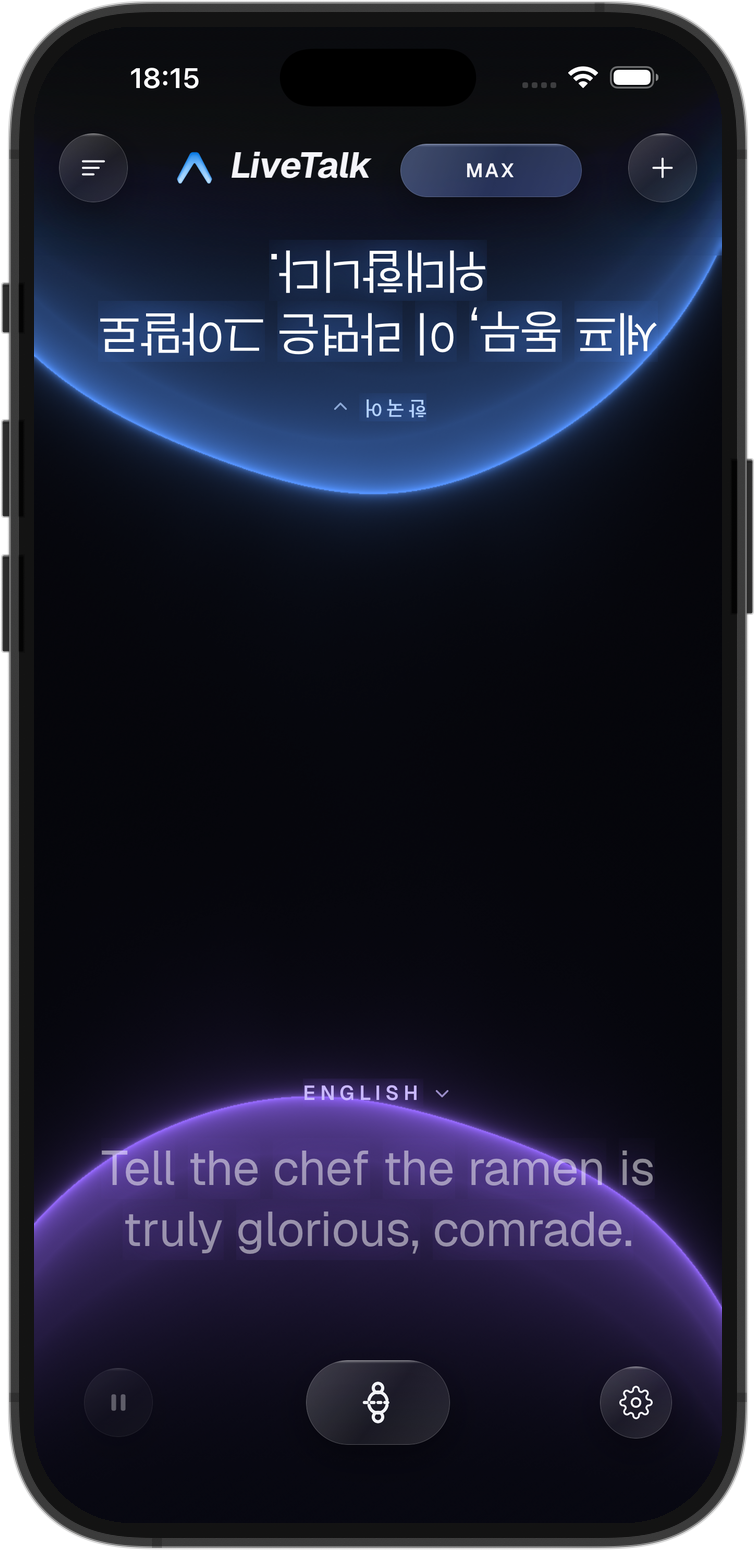
Two more ways to sit
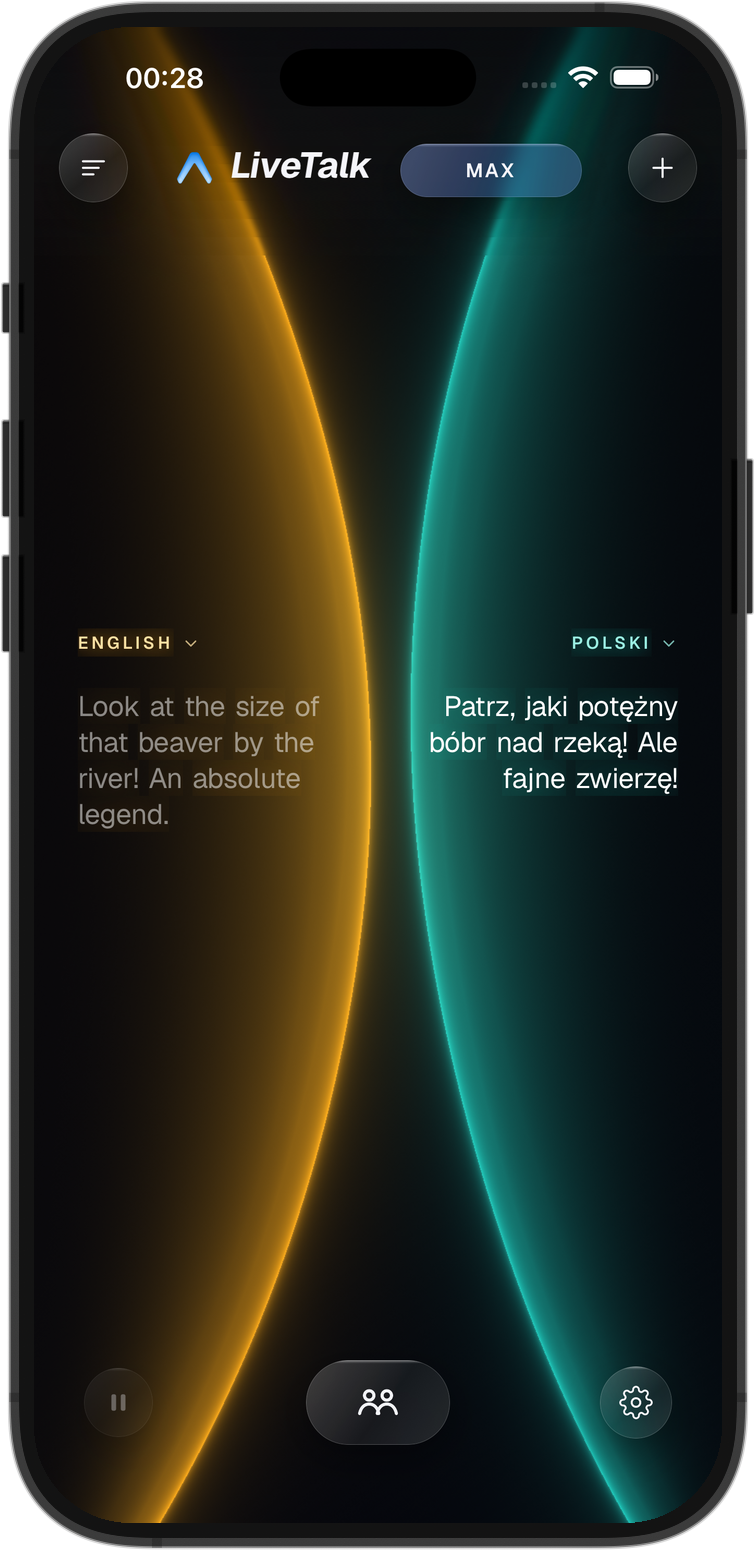
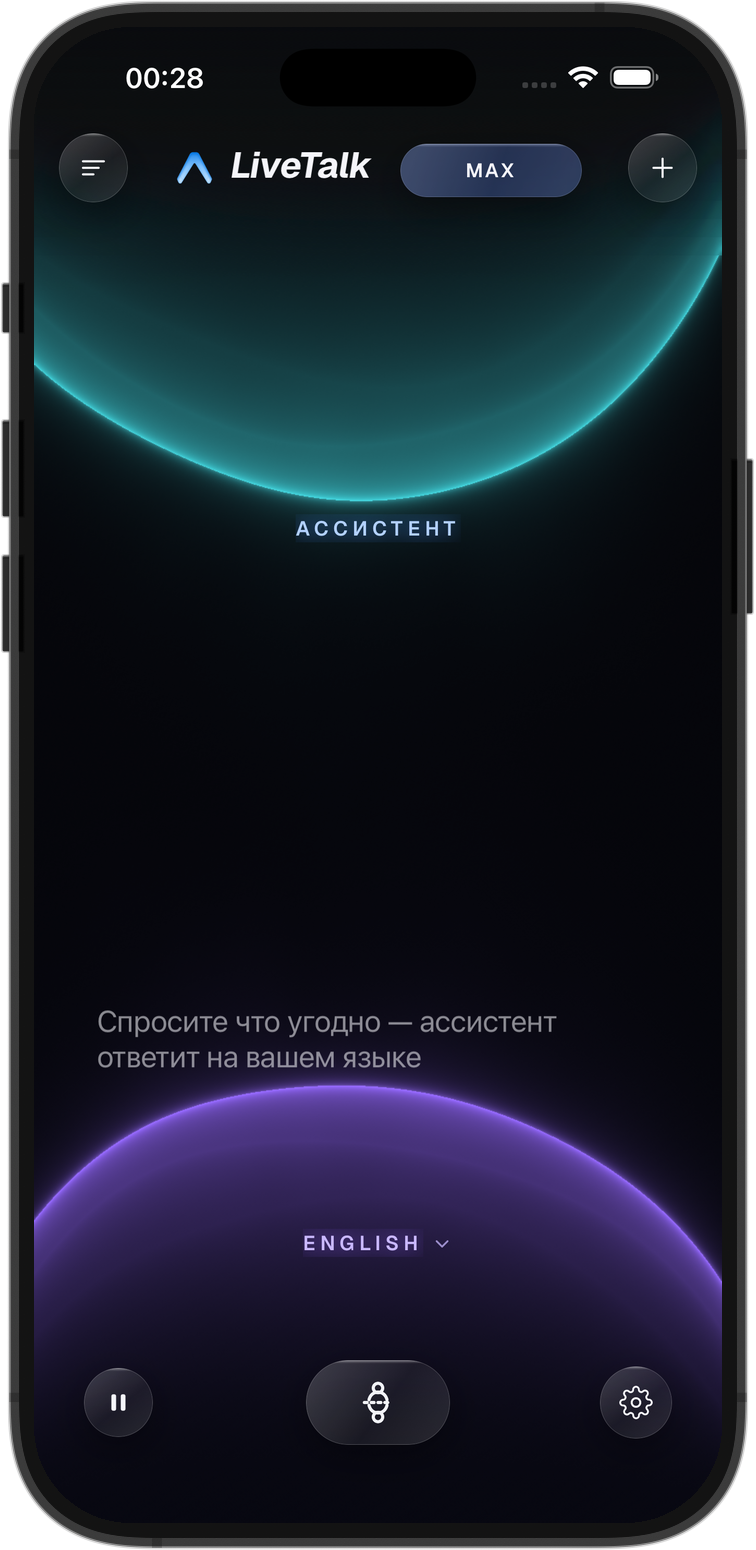
What it looks like
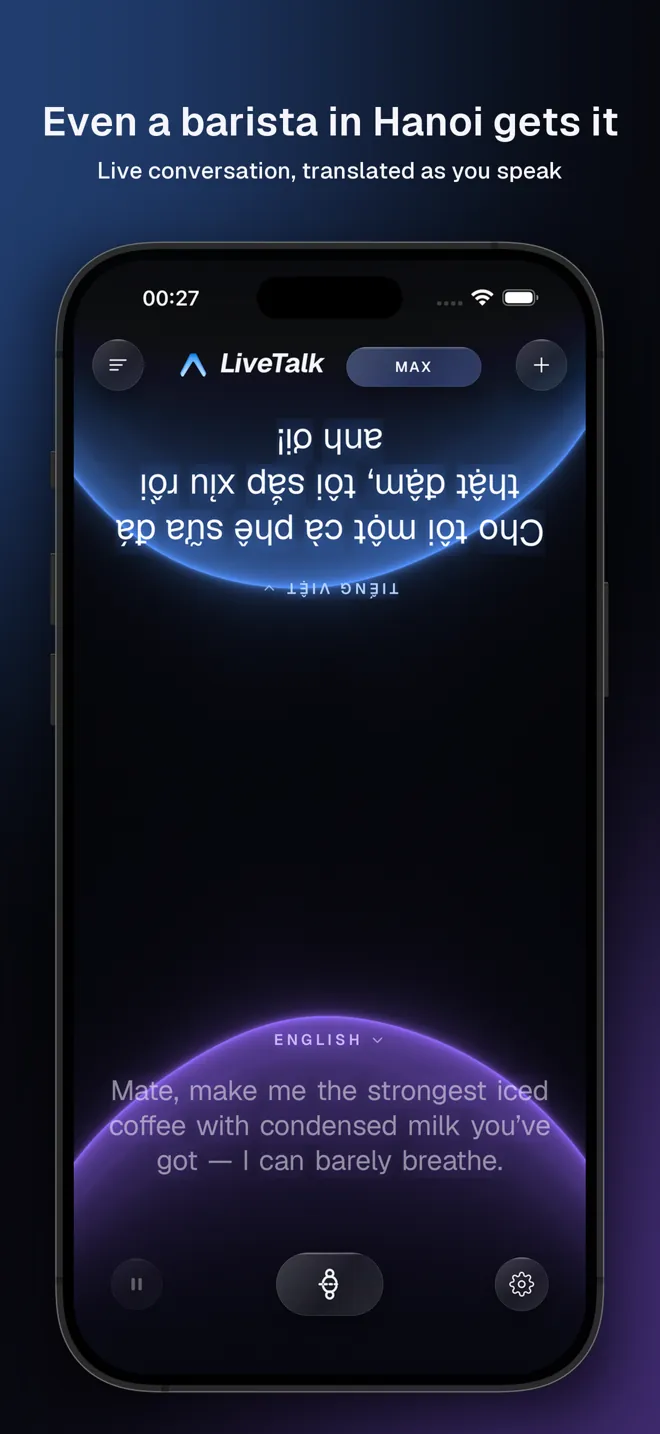
How it works
- 1
Tap the screen
The phone listens to both of you. It already knows your language and picks up the other person’s from their first sentence. Nobody chooses anything from a list.
- 2
Just talk
Every sentence is spoken in the other language as soon as it is finished — the whole of it, with the context, slang and all. No pauses, no buttons.
What makes it different
Whole sentences, not word by word
Like a human interpreter, it waits for the end of the sentence and translates the meaning. “Let’s do tomorrow at eight, if it doesn’t rain” comes out as one sentence, not three pieces.
It keeps the thread
It knows what “it”, “there” and “the same one” mean, and which price was already agreed. The context carries from one line to the next.
A human voice
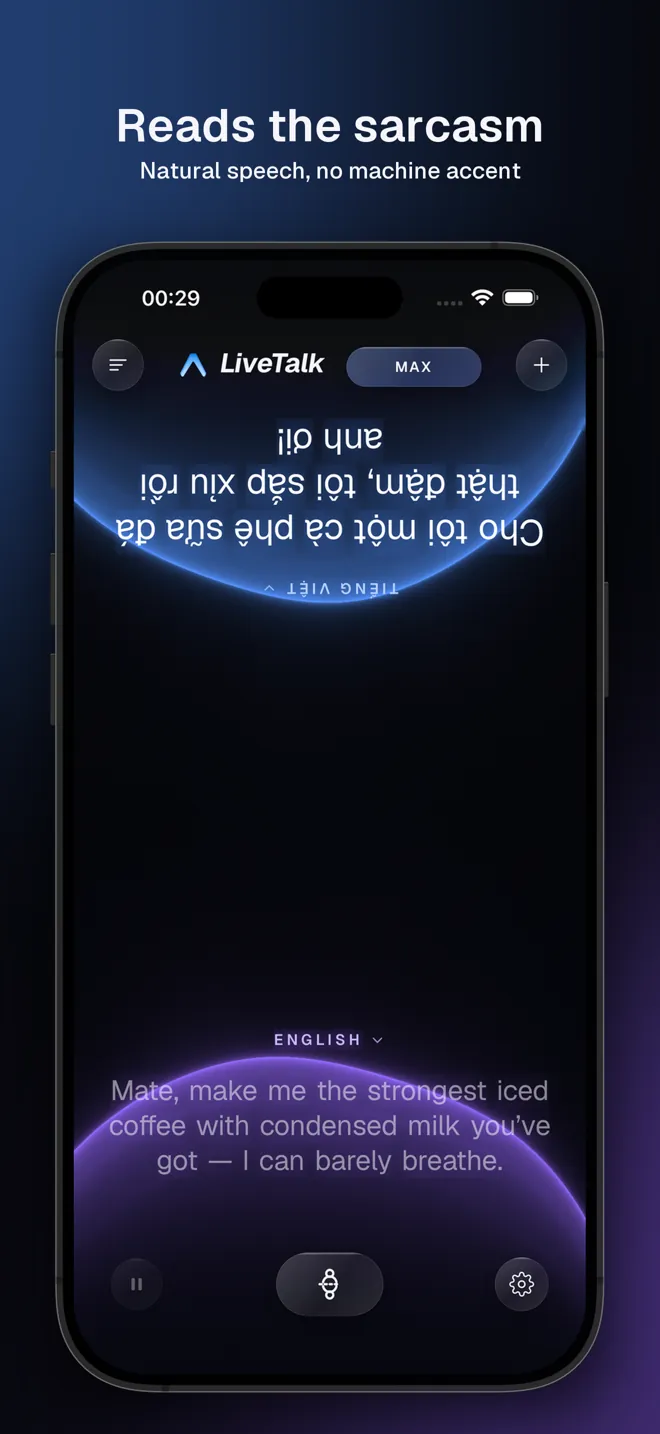
The translation keeps the speaker’s tone: a joke sounds like a joke, a complaint sounds firm, a question sounds like a question. You choose the voice.
Nothing to press
No “speak now”, no switching languages. You both just talk. The phone works out who said what and answers in the other language.
30 languages
Your language and the other person’s — any two of these:
- Русский
- English
- 中文
- Tiếng Việt
- 日本語
- 한국어
- Deutsch
- Français
- Español
- Italiano
- Português
- हिन्दी
- Bahasa Indonesia
- ไทย
- ភាសាខ្មែរ
- العربية
- Türkçe
- Українська
- Polski
- Čeština
- Nederlands
- Ελληνικά
- Filipino
- فارسی
- עברית
- Қазақша
- Oʻzbekcha
- Bahasa Melayu
- မြန်မာ
- ລາວ
Subscription
The first 30 minutes are free, use them whenever you like. After that, a subscription you can cancel at any time.
Every plan includes a monthly allowance of live-translation minutes. When the day’s share runs out, a simpler model takes over until tomorrow.
Questions
Is LiveTalk free?
The first 30 minutes of live translation are free, and you can use them whenever you like. After that it is a monthly or yearly subscription through the App Store, cancellable at any time. The web version uses the same account.
Which languages does it translate?
Thirty, in any combination: English, Russian, Vietnamese, Chinese, Japanese, Korean, Spanish, French, German, Thai, Arabic, Turkish and more — the full list is above.
Do I have to choose the other person’s language?
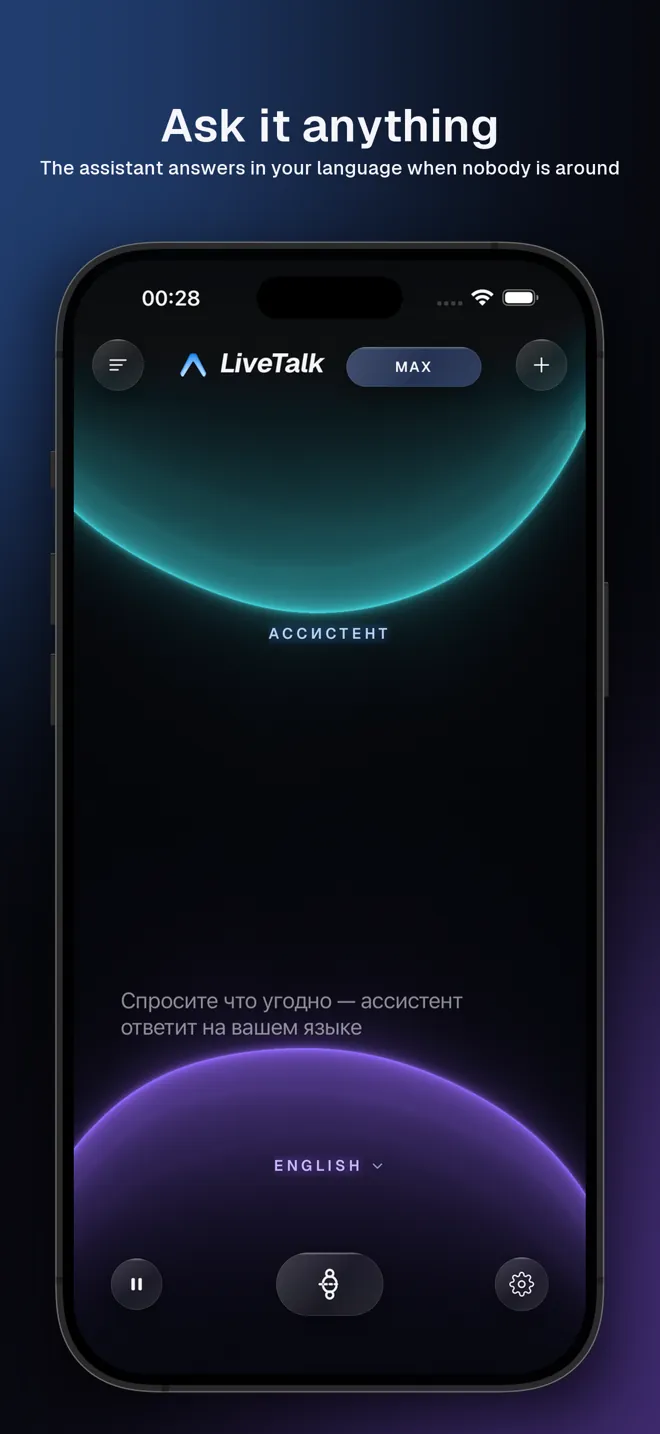
No. You set your own language once. The other person’s language is recognised from their first sentence. If you speak first, LiveTalk simply asks you out loud which language to translate into.
Does it need the internet?
Yes, the translation runs in the cloud in real time. On a weak connection it switches to a slower sentence-by-sentence mode instead of stopping.
Can two people in different cities use it?
Yes. Show a QR code or send a link, and a second phone joins the same conversation from anywhere in the world.
Is my conversation stored?
Transcripts stay on your phone. The service keeps only what it needs to check translation quality, and only for a limited time — see the privacy policy.